AI has changed the pace of web projects far more than it has changed the craft. The parts that always took the longest, such as research, first drafts, repetitive code and test cases, now compress dramatically. The parts that decide whether a website actually works for a business have not moved.
This article looks at how AI is used in designing and building websites, written for business owners who hire a developer or designer rather than for other developers. It covers where AI genuinely helps, where it does not, whether it can build a whole website by itself, and what to ask the person you hire.
Key takeaways
- AI speeds up the mechanical parts of web projects, such as research, drafts, repetitive code and testing.
- It does not replace decisions about strategy, positioning, design judgment or what your customers will trust.
- Anything AI produces must be checked by a person, because it predicts likely text and can be confidently wrong.
- AI alone can produce a generic website quickly, but a good business website needs real facts, real photos and real decisions.
- You can ask your developer how they use AI and how your information is protected.
- The benefit to you is more time on decisions that matter and less on mechanical work, not a magic result.
What AI has changed, and what it has not
AI tools are good at pattern work: summarising what already exists, proposing structures, writing boilerplate and spotting mistakes. That is why research, first drafts and repetitive code have become much faster. The time saved can go back into the work that needs a person.
They are much weaker at knowing what is true about your specific business, what your customers actually want, or whether a design will earn trust with them. Those parts still depend on conversation, experience and judgment. So the useful question is not whether AI is used on your project, but where, and who is responsible for the result.
AI is now ordinary in development work
This is no longer an experiment. In the 2025 Stack Overflow Developer Survey, 84% of respondents said they use or plan to use AI tools in their development process, up from 76% a year earlier, and 47.1% said they use them daily. At the same time, more developers distrusted the accuracy of AI output than trusted it.
84%of developers use or plan to use AI tools (Stack Overflow Developer Survey 2025)
47.1%use AI tools every day in development work (same survey)
46%distrust the accuracy of AI output, against 33% who trust it (same survey)
Both numbers matter. Wide use means the technology is mainstream and your developer is probably using it. Widespread distrust means the sensible way to use it is with checking, not blind acceptance.
Research and discovery: faster, but verified
Understanding a new industry used to take days of reading before the first meeting. Now it takes hours: competitor structures, common customer questions, typical objections and the vocabulary a sector actually uses can be gathered and summarised quickly. That makes the first conversation with you more focused.
The step that cannot be skipped is verification. Anything gathered this way is a starting point to confirm with you, because a summary can sound confident and still be wrong about your market, your services or your customers.
Content planning: AI drafts the skeleton, you supply the facts
AI is genuinely good at structure: turning a messy brief into a sensible page hierarchy, drafting section outlines and proposing headings. It is much weaker at knowing what is true about a specific business. The reliable workflow is simple: AI drafts the skeleton, you supply the facts, and a person writes the sentences that carry your brand.
Common mistake
Publishing AI-written text without checking it. Google’s guidance on generative AI says it is critical to fact-check and review AI-generated content manually, including titles, descriptions and image alt text, and warns that generating many pages without adding value can break its spam policy. See can AI-generated content rank on Google for the details.
Design ideas: more options, the same judgment
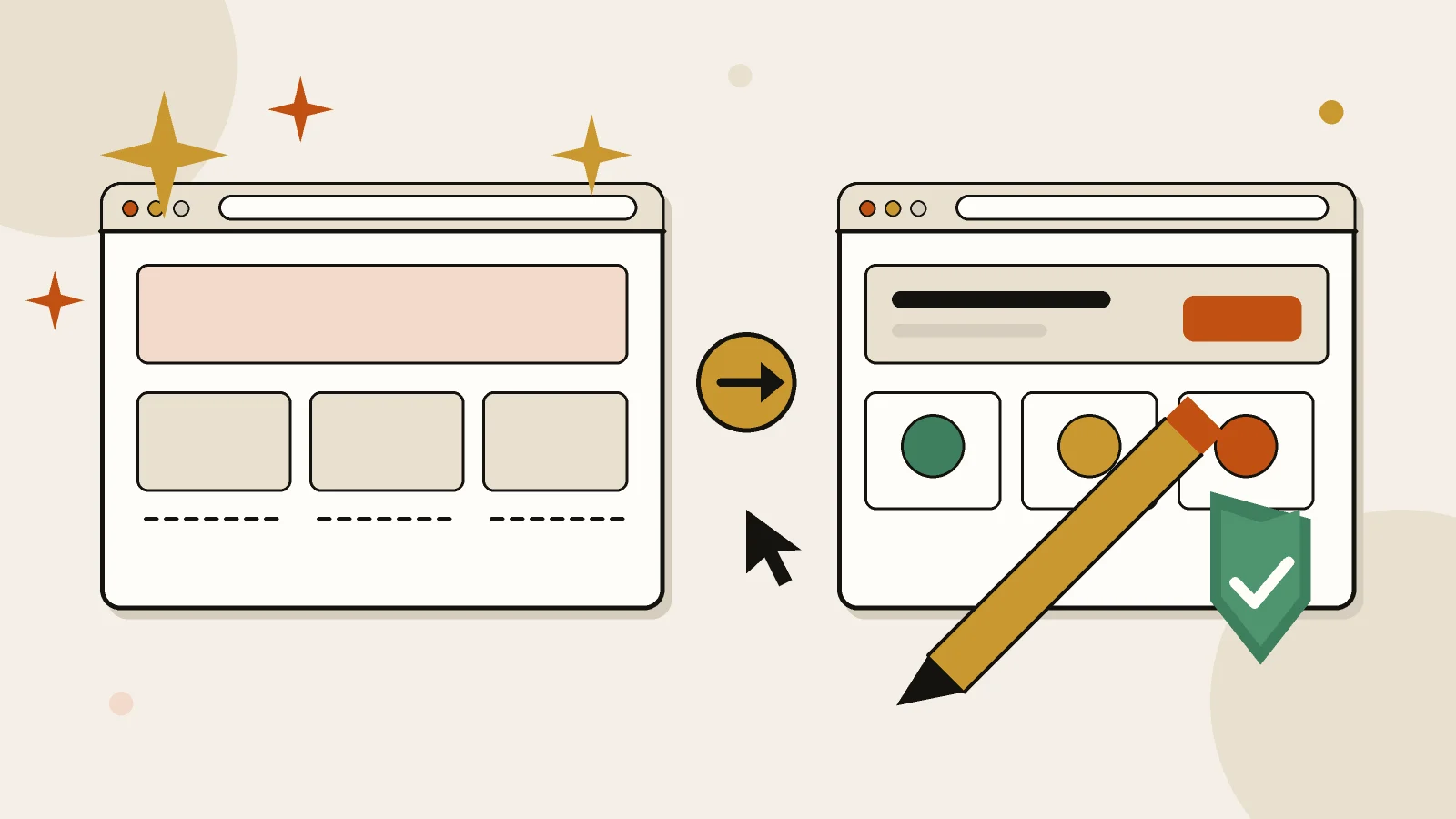
Used well, AI widens the set of options early. More layout directions can be explored in less time and compared faster. What it does not replace is design judgment about hierarchy, restraint and what a particular audience will trust. Designs assembled without that judgment look exactly like what they are: generic.
AI-assisted design
- A person sets the goal, audience and brand first
- AI helps explore layouts and wording quickly
- A designer chooses, edits and refines
- Real photos, real content and real details
AI-only design
- The tool picks structure, style and wording
- Looks similar to thousands of other sites
- Nobody checks hierarchy, contrast or mobile behaviour
- Stock imagery and filler text
Development: where the gain is largest
This is where AI helps most. Boilerplate, repetitive components, migrations, refactors and unfamiliar APIs all move faster with an assistant that can read the code. On WordPress projects it means quicker custom functionality and fewer plugins added only to avoid writing twenty lines of code. That flexibility is one of the reasons many businesses choose it, as explained in WordPress vs website builders.
Faster code does not mean unchecked code. Anything written with an assistant still needs review for security, performance and accessibility, because the tool can produce something that appears to work while hiding a weakness.
Testing and debugging
Reproducing an issue, reading an unfamiliar error message, generating edge cases and checking responsive behaviour across screen sizes all get faster. That shortens the time from “something is wrong” to “here is the cause”.
It does not remove the need to test on real devices, and it does not catch problems nobody thought to look for. A person still has to open the finished site on a phone, fill in the forms, click the buttons and read the pages.
What AI does not do
- Decide your business strategy or positioning
- Judge whether a design earns trust with your audience
- Guarantee rankings, conversions or results
- Talk to you and understand what you actually meant
- Know the real facts about your services, prices and policies
- Take responsibility when something goes wrong
Can AI build a complete website on its own?
It can produce something that looks like a website quickly. Whether that website serves your business is a different question. An AI-generated site tends to be generic, built from common patterns rather than from your customers, and it will not contain facts it was never given.
The table shows who does what in a well-run project.
| Task | What AI can do | What a person must decide |
|---|
| Planning | Draft page structure and outlines | Which pages your customers actually need |
| Content | Suggest wording and headings | What is true, what to say and how it sounds |
| Design | Propose layout directions | What looks trustworthy and works for your audience |
| Code | Write and refactor routine code | Whether it is secure, fast and accessible |
| Testing | Generate test cases and spot errors | Whether it works on real devices for real people |
Questions to ask your developer about AI
You do not need technical knowledge to ask good questions. A thoughtful developer will answer them plainly.
- Where in the project do you use AI, and where do you not?
- Who checks and takes responsibility for AI-assisted work?
- Is my content, my brand and my customer information kept private?
- Will the website contain original content about my business, not generic text?
- How do you test the site on real phones and browsers?
- Do I own the final website, the content and the accounts?
Tip
Do not paste customer lists, passwords, contracts or other confidential information into AI tools unless you understand how that tool stores and uses what you send. If in doubt, share only what the task needs, and ask your developer how they handle it. The questions in how to choose a web designer in Riyadh cover the wider hiring checklist.
What this means for you as the client
My own workflow keeps strategy, design decisions, quality control and client communication human-led, and uses AI where it removes friction. The benefit to you is not a magic website. It is more time spent on the decisions that matter, and less spent on mechanical work.
- Be clear about your goalDecide what the website must achieve, such as enquiries, bookings or sales, before anyone opens a tool.
- Provide the real materialShare your real services, prices, photos and customer questions. AI cannot invent these honestly.
- Ask how AI is usedUse the questions above and expect a plain answer, not jargon.
- Review the result yourselfRead every page, check the facts, and open the site on your phone before approving it.
- Plan for upkeepA website needs updates and checking after launch, whoever or whatever built it.
AI makes the work faster. It does not make the decisions for you.
References

 AI & Workflow
 SEO
 SEO