What to prepare before hiring a web designer comes down to five things: a clear goal for the site, your logo files, real photos of your work, the text for your main pages, and a few examples of websites you like. You do not need all of it perfect. You need enough that the designer can start without stopping every day to ask you for something.
This guide is for business owners in Saudi Arabia who are about to contact a web designer for the first time, or who tried once and found the project dragging. I will explain each item in plain words, show what “good enough to start” looks like, and point out the mistakes I see most. If you are still choosing who to hire, read my twelve questions to ask a web designer in Riyadh first. Come back here once you have shortlisted someone.
Key takeaways
- Five things matter most: a goal, your logo files, real photos, text for the main pages and example sites you like.
- Photos and text are what usually delay a project, so start with them.
- Keep logo, photos and passwords in your own folder and accounts. Do not leave them only in a WhatsApp chat.
- Rough text is fine. A designer can polish it, but cannot invent your prices, your services or your story.
- If you have nothing ready, you can still hire. Just expect more time and a bigger bill.
Start with the goal, not the design
Before a single colour is chosen, decide what the website must do for your business. Do you want phone calls, WhatsApp messages, bookings, or online orders? Pick one main action. Everything else on the site, from the menu to the buttons, is arranged to lead visitors to it.
A good goal is short and checkable. “Get more enquiries from Riyadh homeowners” works. “Have a modern website” does not, because nobody can tell later whether it succeeded. Write your goal in one sentence and send it to the designer before the first meeting. IONOS, a hosting company, also begins its planning guide with the goal of the website, then the content and the audience, in that order.
What to prepare: the checklist at a glance
The table below lists what a designer normally asks for, why it matters, and what is good enough to begin.
| Item | Why it matters | Good enough to start |
|---|
| Goal of the site | Decides pages, menu and buttons | One sentence |
| Logo files | Sets colours and the look of the header | A clear PNG, ideally also a vector file |
| Photos | Builds trust faster than any paragraph | 10 to 15 clear photos of your work, team or place |
| Text | Visitors read it before they call | A rough paragraph per service |
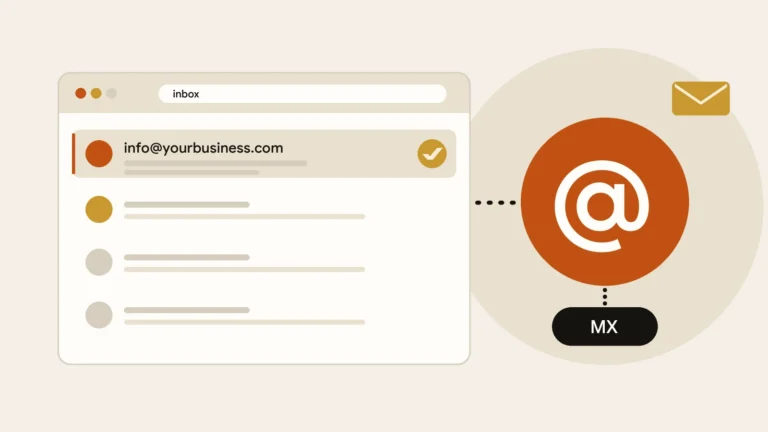
| Contact details | People must be able to reach you | Phone, WhatsApp, email, address, working hours |
| Examples you like | Saves long discussions about taste | Three links, with a note on what you like |
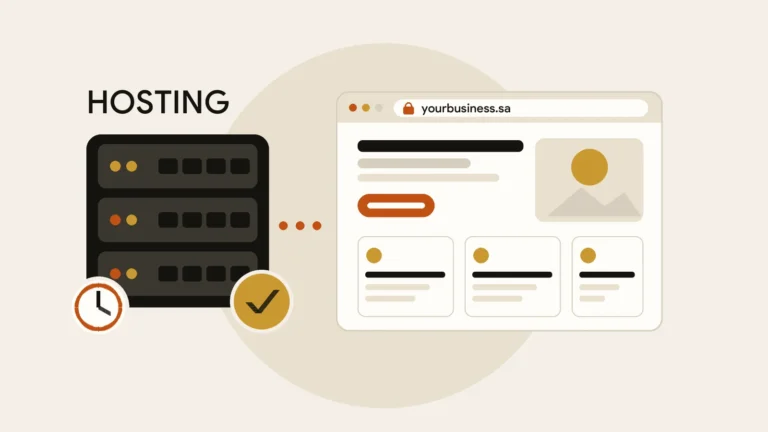
| Domain and hosting | The address and the home of the site | Know whether you already own them |
Your logo: which files to find
A designer needs more than a picture of your logo. Ask whoever made it, or search your old emails, for these files.
- A vector file, usually ending in SVG, AI, EPS or PDF. It can be enlarged without turning blurry.
- A PNG with a transparent background, so the logo sits cleanly on any colour.
- A white or light version for dark backgrounds, if you have one.
- Your brand colours and fonts, if someone chose them. If not, say so; the designer will propose them.
Common mistake
Sending a logo that was saved from a WhatsApp chat or a screenshot. It is small and compressed, and it looks soft on a large screen. Find the original file, or ask the designer whether the logo should be redrawn.
No logo yet? Tell the designer at the start. A simple text logo can be a good temporary solution, and it is better than rushing a weak design that you will have to change in six months.
Photos: real ones beat stock
Visitors trust what looks real. A photo of your own team, your shop, your finished jobs or your products tells them more than a generic picture of people shaking hands. Google’s own advice on images says high-quality photos appeal to users more than blurry, unclear ones, and that images should be relevant to the page. Prepare these first:
- Your place of work: shop front, office, clinic, kitchen or workshop.
- Your work: finished projects, products, before and after shots.
- Your people, if they are happy to appear. A friendly face makes a contact page feel safer.
- Original files from the phone or camera, not copies sent through a chat app that shrinks them.
A recent phone camera is enough if the light is good and the lens is clean. Take photos in daylight, hold the phone steady and avoid filters. The same photos can also go on your Google Business Profile, where Google asks for JPG or PNG files, recommends 720 by 720 pixels, and states that photos should represent reality.
Tip
Make a shared folder with sub-folders such as Logo, Photos, Text and Documents. Send the designer one link instead of fifty messages. It also keeps everything safe if your phone is lost.
If you cannot take good photos yourself, a half-day with a local photographer is often a better investment than a month of stock images. Ask your designer whether the schedule allows for it.
Text: write roughly, but write it
Owners often delay the project because they wait to write “perfect” text. You do not need that. A designer can tidy sentences, but nobody except you knows your real services, prices, working area and the reason customers pick you. Start with five short pieces.
- Who you areTwo or three sentences: what you do, where, and for whom.
- Your servicesA short paragraph for each, with what is included and who it suits.
- Why choose youYears of experience, licences, guarantees, areas you cover. Only facts you can prove.
- Contact detailsPhone, WhatsApp, email, address and opening hours, written exactly as you want them shown.
- Common questionsThe five questions customers ask you most often, with your honest answers.
A designer can polish your words, but cannot invent your services, your prices or your story.
Not sure which pages to write for? The pages a small business website needs lists the usual ones. Do not copy text from a competitor’s site. Search engines can spot copied content, and customers can too.
Accounts and access
Some parts of a website live in accounts that belong to you. Check what you already have before the project begins, because recovering a lost login can take days.
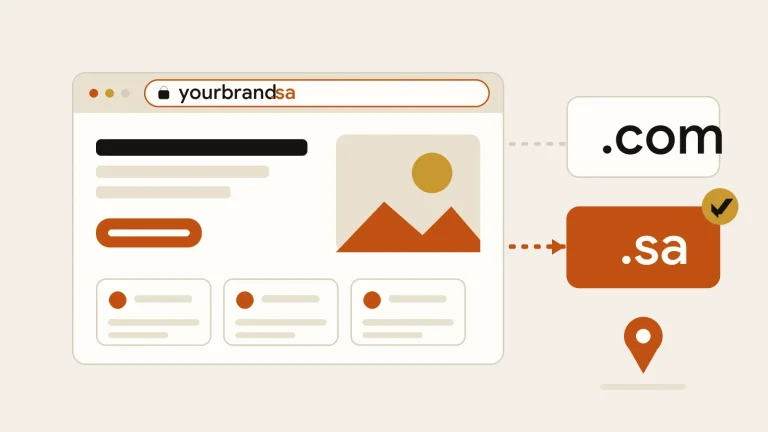
- Your domain name, which is your web address. Find out where it is registered and whose name it is in.
- Your hosting, which is the computer that keeps the site online.
- Links to your social media pages and your Google Business Profile.
- Any existing website, even an old one, so the designer can reuse content and set up redirects.
Examples you like, and ones you do not
Taste is hard to describe in words. Three links to websites you like, plus one sentence on what you like about each, save hours of guessing. Add one example you dislike too. They do not have to be in your industry, and the designer will not copy them. They show direction.
A weak brief
- “Make it modern and nice.”
- “Something like my competitor.”
- Text and photos promised “later”.
- Five people give opinions at different times.
A useful brief
- One sentence goal and one main action.
- Three example links with reasons.
- Logo, photos and rough text already in a folder.
- One person who approves decisions.
Budget, deadline and who decides
Tell the designer your budget range and your target date at the start. A designer who knows the budget can suggest what to include now and what to keep for later. Without it, you receive quotes for completely different projects that cannot be compared. If you are unsure what is reasonable, my guide to what a small business website costs in Saudi Arabia explains what drives the price.
Also name one person who has the final word. When three partners each ask for changes at different times, the schedule suffers more than from any technical problem. Realistic timing is covered in how long it takes to build a business website.
Arabic and English: prepare both
If the site will be in two languages, prepare the text for both from the start. The Arabic version should be written for Arabic readers, not translated word for word from English, as I describe in my guide to bilingual website design. Decide who will check the Arabic and English before launch, and tell the designer which language is the main one.
What if you have nothing ready?
You can still hire a designer. Many owners start from zero, and a good designer will help you write the pages, arrange a photo session and find a logo solution. The trade-off is time and cost: every task the designer takes on is another job on the schedule. The more you bring, the faster and cheaper the project usually becomes. Start with the goal, the contact details and ten photos, and add the rest as you go.
- I can state the goal of the site in one sentence.
- I know the one action I want visitors to take.
- I have my logo files, or I will tell the designer I need help.
- I have at least ten clear photos in a shared folder.
- I have rough text for who I am, my services and my contact details.
- I know who owns my domain and hosting.
- I have three example websites and one I dislike.
- I know my budget range and my target date.
- One person in my business can approve decisions quickly.
If most of these are ticked, you are ready. If not, do not worry; pick the missing ones and tell the designer. When you want to talk about your own project, send me a short message on the contact page. I will tell you what I need from you and what I can prepare with you.
References
Guides change over time, so check the links for the latest information.


 Business Websites
 Business Websites
 Business Websites